Independent AI workspace · iPhone + Android
Less switching.More finished work.
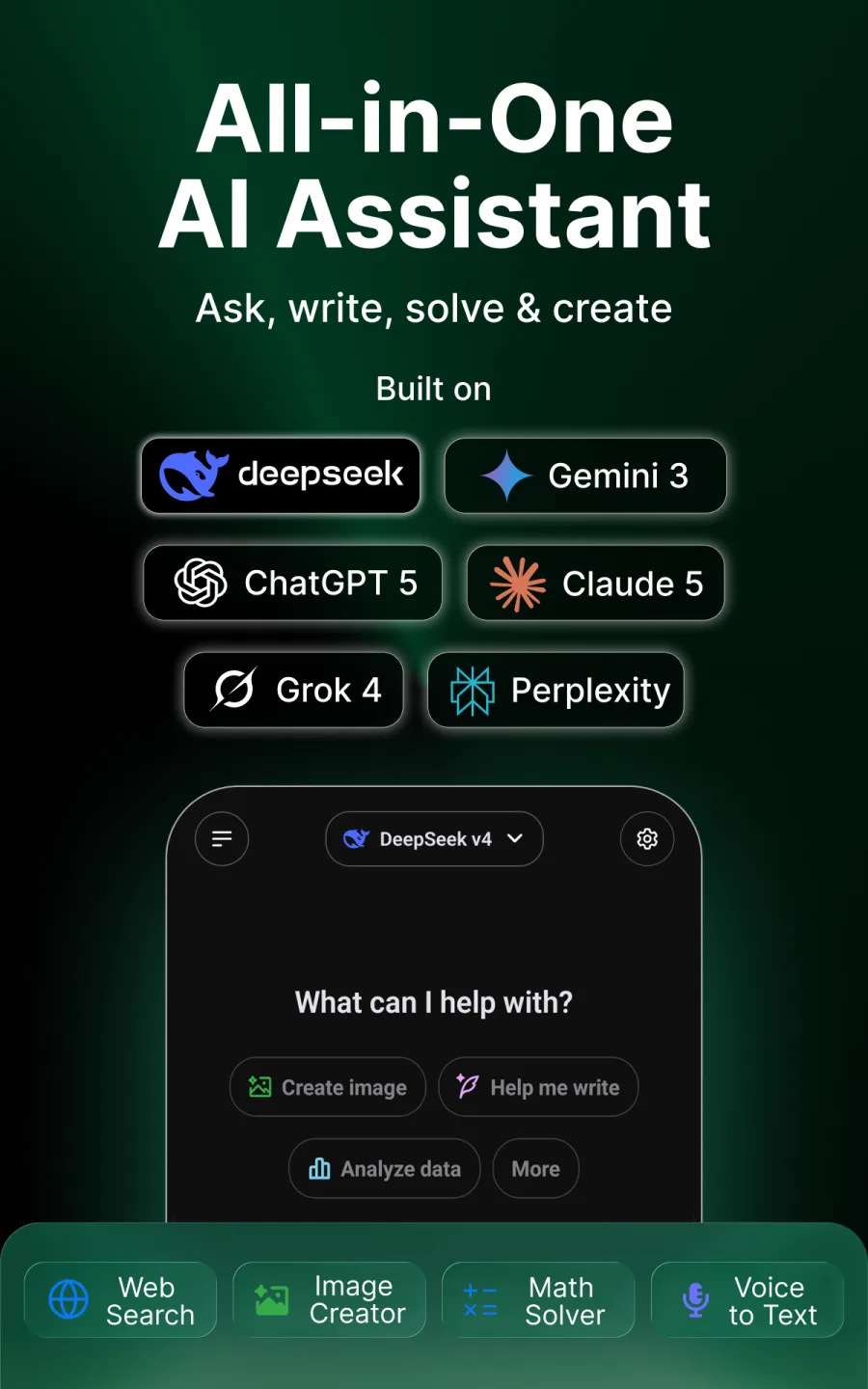
ChatSol brings conversations, web research, files, images, voice, and focused AI modes into one beautifully simple app.
Three paths, one decision
Start with customer interviews for depth, search trends for demand signals, and competitor reviews for unmet needs.

One app
Questions
Research
Documents
Images
Ideas
A calmer way to use AI
Choose the tool. Keep the context.
Start with everyday chat, then switch only when the work needs current sources, a file, an image, deeper thinking, or a multi-step plan.
Ask
One conversation, many kinds of work
Brainstorm, write, explain, plan, code, summarize, and keep useful context together.↗02Research
Current answers with sources
Switch to Web Search when a question needs information from across the internet.↗03Understand
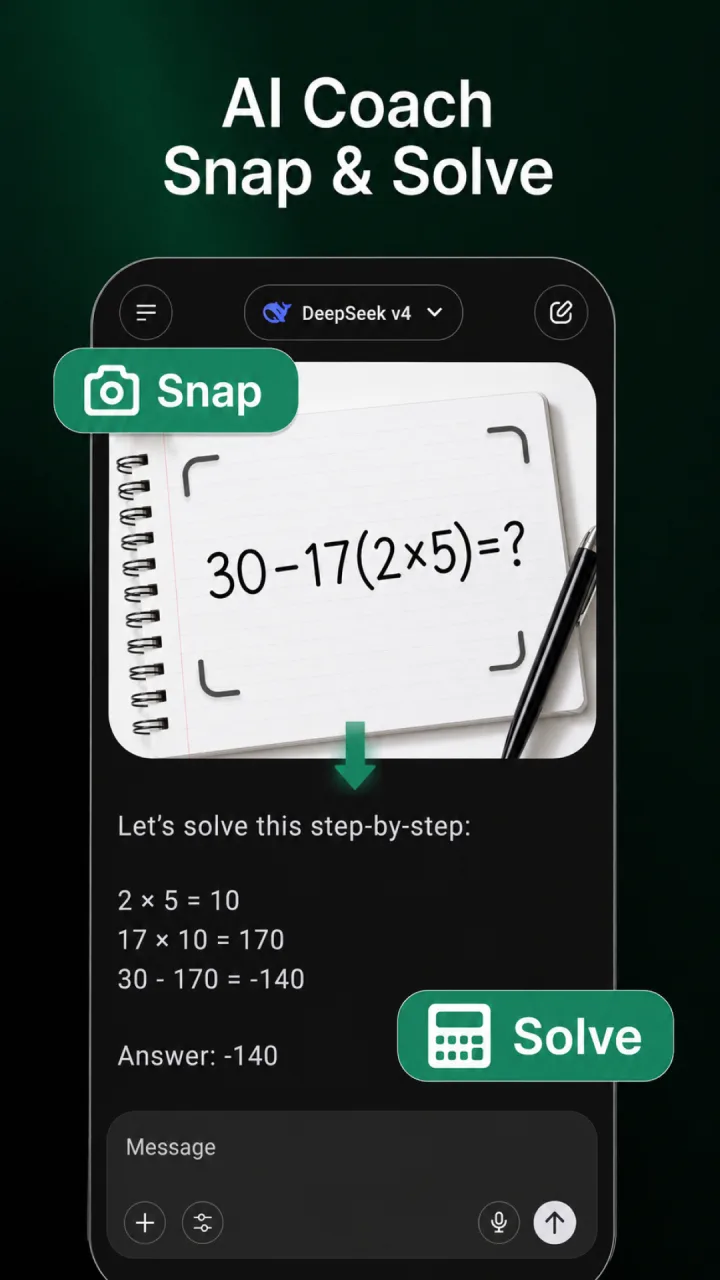
Files, photos, and screenshots
Bring source material into the conversation and ask for the result you actually need.↗04Create
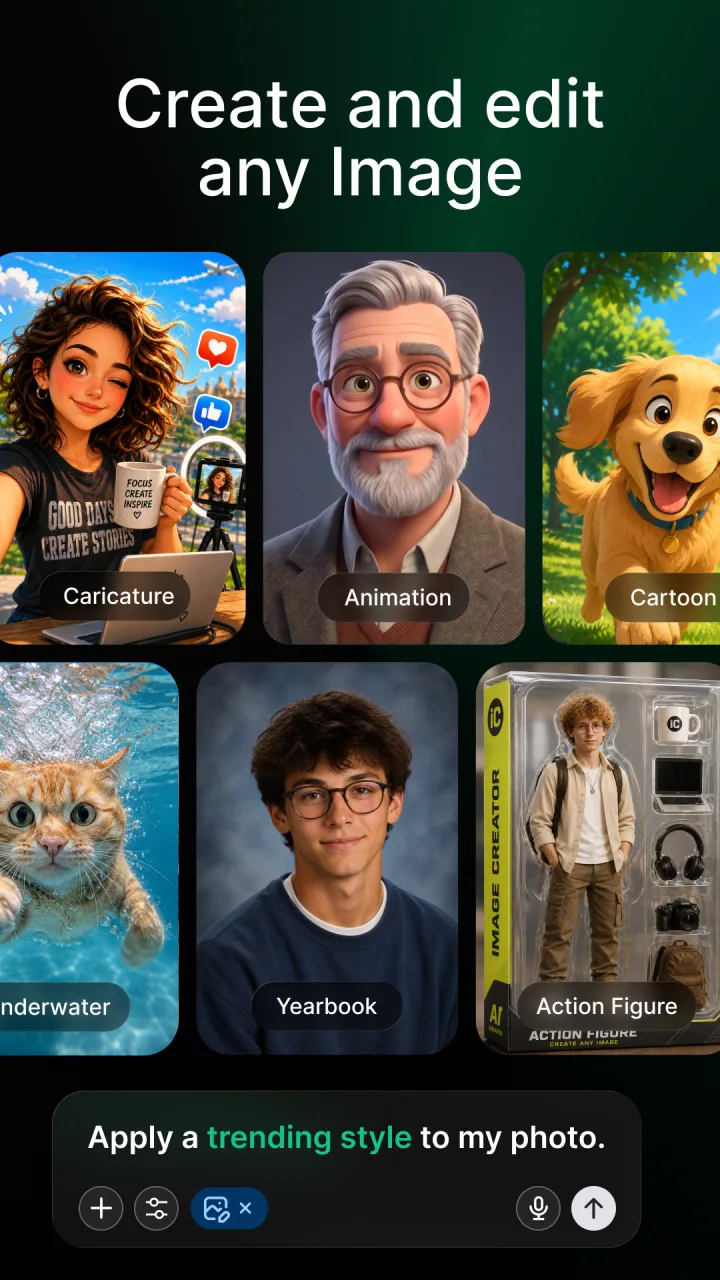
From thought to visual
Describe an image, refine the direction, then save or share the result.↗Built around your next action
From source material to something you can use.
ChatSol is designed for the middle of real work: understanding the inputs, exploring options, producing a draft, and improving it through conversation.
Explore practical workflowsBring the context
Type, speak, attach a file, or add an image.
Choose a focused mode
Search, study, create, think longer, or use Agent Mode.
Shape the result
Ask follow-ups, challenge assumptions, and refine.
Take it forward
Copy, save, share, or return through chat history.
Use ChatSol with intent
Start with the outcome, not the model.
Use case
Turn an open question into a source-backed research brief
A repeatable ChatSol workflow for exploring a current topic, checking sources, and organizing the result.Read workflow →Use case
Move from rough idea to a stronger, more personal draft
Use ChatSol for brainstorming, outlining, drafting, critique, and revision while keeping your intent in control.Read workflow →Use case
Study actively instead of collecting passive summaries
Use ChatSol to explain concepts, interrogate a document, create practice questions, and expose gaps in understanding.Read workflow →
Image creation example
Create, inspect, refine
Images belong in the conversation too.
Ask about a screenshot, translate visible text, explore a photo, or describe a new visual. Keep refining without losing the idea that started it.
Explore image toolsGuides from the product
Useful techniques for real ChatSol workflows.
No generic prompt dumps. Each guide explains a repeatable workflow, its limits, and how to review the result.
Getting started
Your first useful ChatSol conversation
Guide
How to research a current topic with ChatSol
Guide
How to get a useful answer from a long document
Guide
A five-pass AI writing workflow that keeps your voice
Product guidance last verified 2026-07-18.
Ready when the question arrives
Put ChatSol in your pocket.
Available through the official App Store and Google Play listings.